
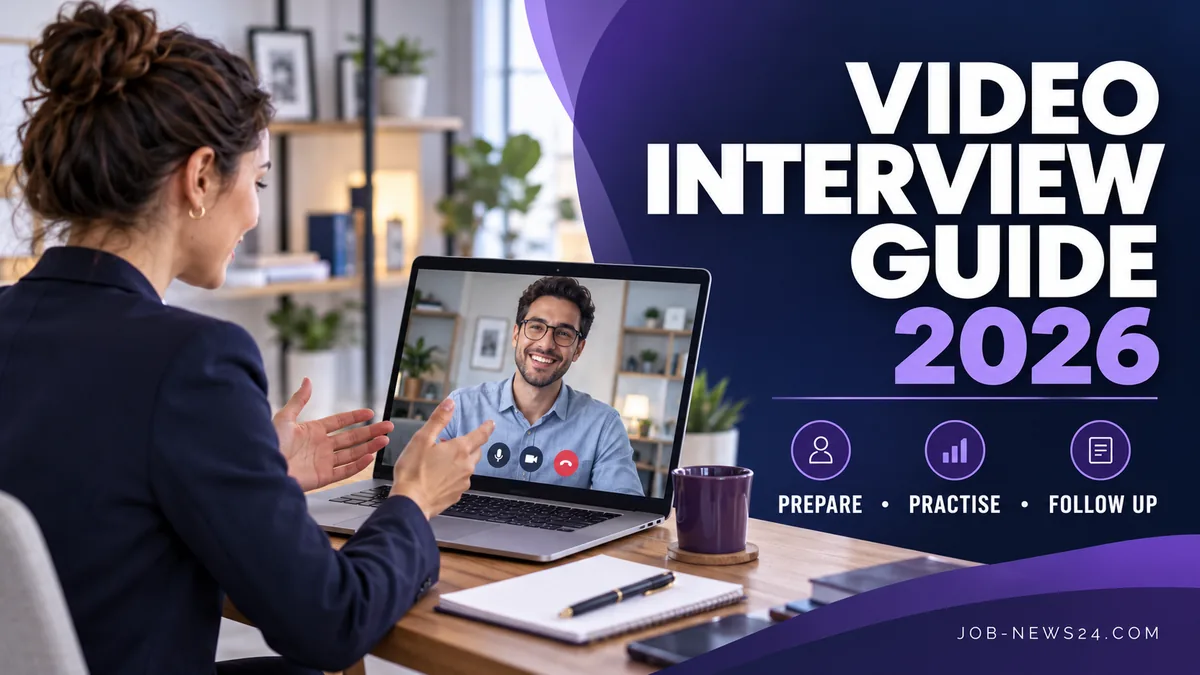
A video interview gives you an opportunity to explain your experience and understand a potential role without being in the same room as the employer. Preparation involves more than checking the camera. You need to understand the format, confirm the timing, choose useful examples, and know what to do if the connection fails. This guide is designed for English-language interviews with employers in the United States, Canada, and Europe.
Reviewed October 23, 2026. Examples are fictional. Follow the employer’s current instructions, including any rules about notes, outside assistance, recording, or assessment tools. Preparation can improve clarity, but it cannot guarantee a hiring outcome.
1. Confirm the video interview format
Find out whether the session is a live conversation, a panel, or a recorded assessment with questions presented on screen. Ask about the expected length, platform, participants, and any task you should prepare. Do not assume that a recorded response can be restarted; the available options depend on the employer’s process.
CareerOneStop’s official virtual interview guide distinguishes live and recorded formats and recommends testing equipment and planning the environment. Use the invitation itself to confirm the specific arrangements rather than relying on another applicant’s experience.
2. Confirm your video interview time zone
International scheduling can become confusing when the invitation, your calendar, and a message use different time zones. Identify the date and the named time zone in the invitation. Check the event as displayed in your calendar and confirm with the contact person if the information is inconsistent. Seasonal clock changes make assumptions especially unhelpful.
Write a short private plan showing when to finish preparation, test the connection, and join the meeting. If you need to clarify the time, use a precise message that includes the date and the zone you are confirming. Avoid replying only “your time or mine?” when the invitation can be described more clearly.
3. Test your video interview setup
Use the device, headphones, microphone, and internet connection you intend to use on the day. Check whether the platform requires an update or browser permission. Test the microphone with a short recording you can listen to yourself, and look at the camera preview for framing and lighting.
Close unrelated applications and notifications before joining. Keep a charger nearby and have the invitation accessible. A backup plan might involve a telephone contact or another approved device, but agree on an alternative with the employer when necessary. Do not share confidential meeting links publicly while seeking technical help.
4. Prepare your video interview workspace
Choose a place where you can hear and respond without frequent interruptions. Position the camera so your face is visible and the light comes from a useful direction. Check the background for private documents, personal details, or distractions. The aim is a clear conversation, not an elaborate studio.
If you live in a shared space, tell others when the interview will occur and plan around predictable noise where possible. Keep water and a small set of permitted notes nearby. Do not place a full script next to the camera if it will lead you to read rather than listen.
5. Build a bank of truthful examples
Review the role’s main requirements and choose several experiences that demonstrate relevant work. For each one, note the situation, your responsibility, the action you took, and the result or lesson. Include enough context to make the example understandable while keeping confidential names and figures out.
A fictional coordination example might involve missing updates before a team meeting. The applicant checked which items were incomplete, contacted the responsible colleagues, and flagged the unresolved decision for the supervisor. The result was a clearer meeting agenda. This is useful evidence without pretending that one routine task transformed an organization.
6. Practise a clear answer, not a memorized performance
Try explaining one example in a concise spoken answer. Ask a friend to identify your specific contribution and anything that remained unclear. If your answer spends most of its time describing the organization, shorten the background and give more space to your actions.
Prepare a brief introduction that connects your recent experience with the opportunity. You can mention what you have done, what capability is relevant, and why the role interests you. Avoid reciting every position in chronological order unless asked. A video interview is easier to follow when each answer has a visible point.
7. Listen and manage the conversation
Allow a short pause after a question to avoid talking over someone when the connection has a delay. If you did not hear a word, ask for repetition. If a question is ambiguous, clarify which aspect the interviewer wants you to address. Guessing at the question can produce a polished answer to the wrong problem.
Look toward the camera naturally when speaking, but continue paying attention to the people on screen. If you use notes, keep them brief and follow the assessment rules. Do not use undisclosed assistance or generated live answers where these are prohibited. The employer needs to understand your own knowledge and judgment.
8. Prepare questions and a recovery plan
Write a few questions that help you understand the role: what successful work looks like, how priorities are set, or what the next recruitment stage involves. Avoid questions that simply repeat information already explained. Select the most useful ones if time is limited.
If the connection fails, follow the agreed recovery method. Rejoin once if appropriate and contact the designated person if the problem continues. Explain the issue briefly and factually. A technical interruption does not require inventing an excuse or repeatedly calling several unrelated people in the organization.
9. Follow up after the video interview
Record the main topics discussed, any information you promised to provide, and the stated next step. Send requested material through the agreed channel. A short thank-you message can acknowledge the conversation and mention a specific relevant point without pressuring the employer for an immediate decision.
Review your own performance while it is fresh. Identify one answer that worked and one that needs clearer evidence next time. Keep the review practical: whether you answered the question, explained your contribution, and understood the role. Do not treat every pause or facial expression as a reliable prediction of the outcome.
Final preparation checklist
- Format, date, time zone, and contact person confirmed.
- Camera, sound, connection, and charger checked.
- Relevant examples prepared from real experience.
- Workspace and permitted notes ready.
- Questions and a technical recovery plan available.
Related application guides
Frequently asked questions
Can I restart a recorded video interview? Check the instructions. Do not assume another attempt is available.
What if I need an adjustment? Contact the designated recruitment person early to explain the practical arrangement you need through the employer’s process.
Does a good interview guarantee an offer? No. Other evidence, requirements, competition, and recruitment decisions still matter.
This independent guide covers interview preparation and is not a vacancy announcement or a promise of selection.
Explore all our English career guides for the US, Canada and Europe to plan the next step in your application.