
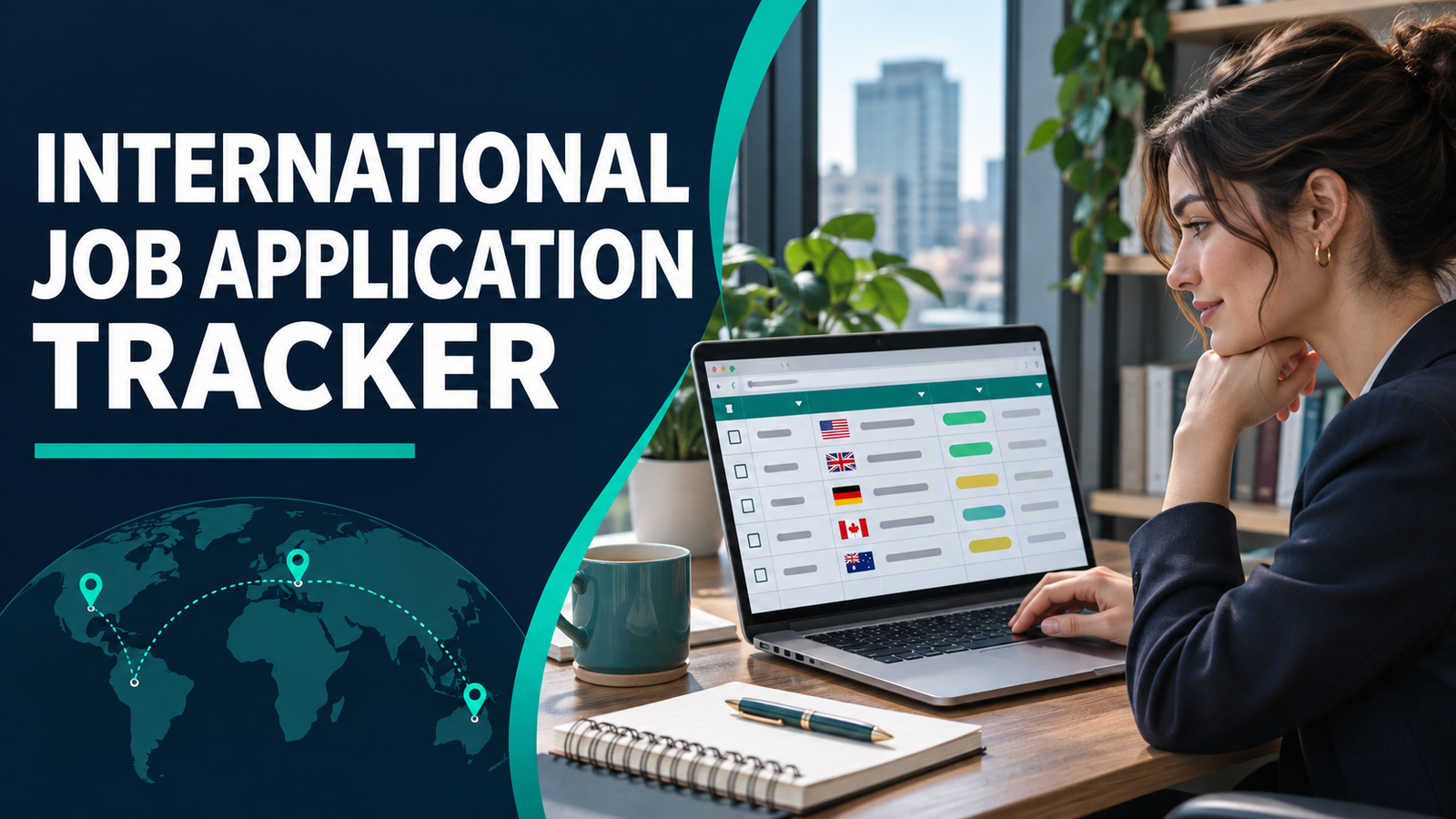
An international job application tracker keeps deadlines, documents and next steps together. A job listing can disappear after the deadline. A recruiter can ask which CV you submitted weeks after you applied. If you are applying across countries, you may also be tracking several time zones, recruitment portals and document requirements. An international job application tracker gives you one place to keep these details. Use one row per vacancy, even if the same employer advertises several openings.
Columns for your international job application tracker
Copy this header into your spreadsheet. Paste into the first row and use the sheet’s split-to-columns feature with a vertical bar as the separator, or enter each heading in a separate cell.
Employer | Job title | Country and city | Official vacancy link | Deadline as listed | Deadline in my time zone | Status | Date applied | CV filename | Next action | Next action date
The official link gives you a place to verify the role. The filename tells you which CV you sent. The next-action columns tell you what to do when you return to the tracker. Add a vacancy reference column to your international job application tracker if the employer lists one. This makes it easier to distinguish jobs with similar titles.
Set up the first three rows in your international job application tracker
Use sample entries to check the sheet before adding real vacancies. A finance assistant role can be marked Reviewing with the action “check minimum experience”. An operations officer role can be marked Ready to Apply with “upload tailored CV”. A programme assistant role can be marked Submitted with “save submission confirmation”.
Replace these examples as you find opportunities. If the same vacancy appears on multiple job boards, use a single row and record the employer’s original link. If an employer posts two vacancies with the same title and different reference numbers, keep separate rows so their deadlines and application records do not get mixed up.
Keep the original and local deadlines
Record the deadline exactly as published, including the time zone where supplied. Put the local equivalent in a separate column. Verify the date as well as the hour because the converted time can fall on the next or previous calendar day. If the employer gives a date without a time, record it as a date and set your own earlier submission target.
Set a reminder before your target deadline so you have time to fix a missing document, a portal login issue or a failed upload. Use a consistent date format across rows. A date written as 2026-11-20 is easier to distinguish than 11/20 or 20/11 when collaborating across countries.
Use consistent status labels
Use Reviewing, Ready to Apply, Submitted, Interview, Offer and Closed. Reviewing means you are still checking the requirements. Ready to Apply means your materials are prepared. Submitted means you have completed the application. Interview and Offer record responses. Closed means the vacancy has expired or you have finished the process.
Set up a dropdown to avoid entering several spellings of the same status. Keep status and action separate. Two rows can both be Submitted, while one needs you to save a reference number and another needs you to answer a recruiter’s question.
Review your international job application tracker weekly
Filter out closed applications and sort by next-action date. Complete the tasks due soonest. Then review upcoming deadlines and decide which applications deserve your time. Use an action verb in each row, such as confirm eligibility, attach a writing sample, check portal status or confirm interview time.
When you submit, use the international job application tracker to record the date and CV filename. If the portal shows a receipt or reference, keep it in your private application records. If you move a row to an archive tab, keep the original link and reference so you can identify it later.
Use tracker results to improve your search
At the end of the month, compare the roles you applied for with the responses you received. If you often discover a mandatory requirement late, add a screening column and check it before preparing documents. If you get more interviews in one role type, compare the experience you highlighted in those CVs.
A short role-fit note can help when several deadlines fall together. Examples include “strong reporting match”, “requires a language I do not speak” or “location needs confirmation”. Prioritise roles where you can provide relevant evidence and meet the mandatory criteria. Keep the international job application tracker focused on progress and store identity documents separately, especially if you share the spreadsheet.
Explore International Jobs, Career Advice and Global Career Guides. For further reading, see the Google Sheets guide to dropdown lists.
Separate reminders in your international job application tracker
For each submitted application, add one next action and a date. If the employer says to check its portal for updates, record that instruction and set a reminder to check the portal. If the listing gives a response window, use that window to choose a sensible review date. An application can stay marked Submitted while its next action changes.
Try filtering the sheet by status and then sorting by the next-action date. An interview confirmation due tomorrow should appear above a routine portal check next week. If a vacancy has been extended, update both deadline fields from the official notice and write the date you checked it. This makes it easier to spot stale dates when you return to the tracker after a few days.
4 thoughts on “International Job Application Tracker: 7 Easy, Essential Steps”